

/filters:quality(70)/prod01/prodbucket01/media/training/BBL6-3492X1127.jpg)
IT and Equipment
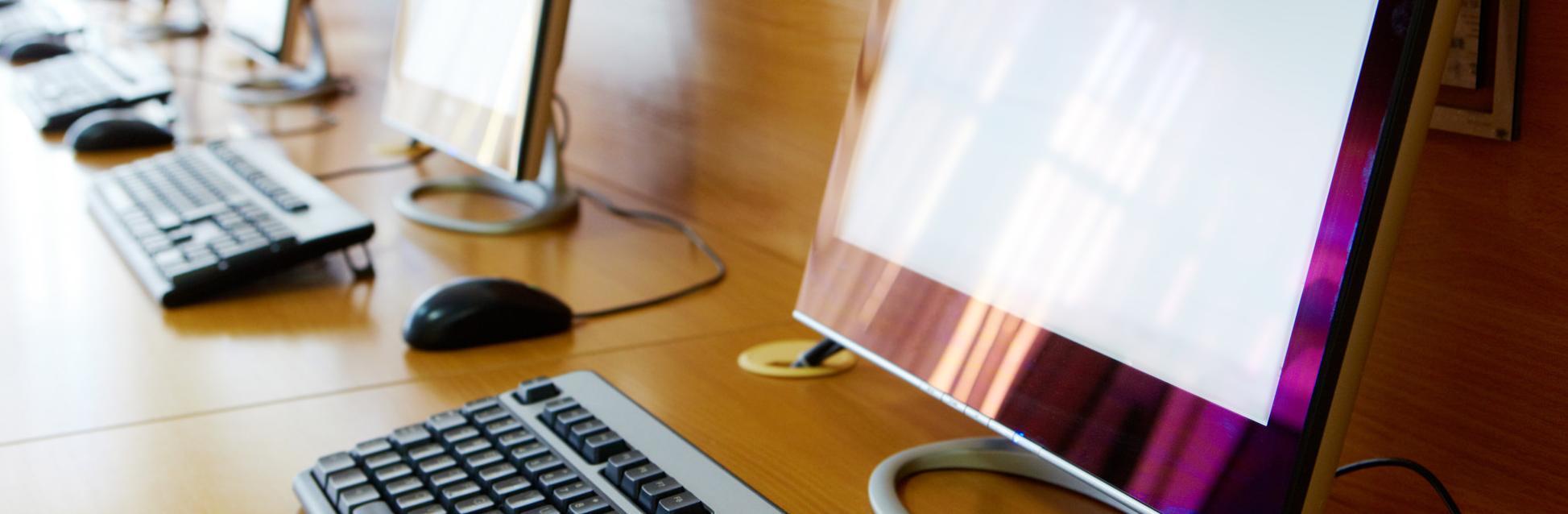
PCs and Docking Stations
At Bill Bryson Library, there are PCs available for use on all floors. Some are available to pre-book through our Space Bookings system.
Laptop docking stations are also available throughout the Library, allowing you to connect your laptop to an external display, keyboard and mouse. They are available in the following areas (docking stations in bookable areas can be booked through our Space Bookings system):
- Silent zone on Level 1 (bookable)
- East Wing on Level 2 (non-bookable)
- PC Room on Level 3 (bookable)
- Individual study rooms on Level 4 (bookable)
- Kepier Room on Level 4, for Postgraduate Research students (bookable)
- Postgraduate Room on Level 4 (non-bookable)
Laptops
Laptops can be borrowed via the self-service laptop safe on Level 2 for use within the Library. Laptops are issued without power packs and cannot be renewed online, but may be swapped for another if there are other laptops still available in the safe.
The following software is currently available on laptops:
- Windows 10 environment with J: drive, OneDrive and University printing access
- Microsoft Office
- AppsAnywhere – access to University-licensed software
Laptops are available on a first-come, first-served basis.
MFDs, printing, photocopying
There are MFDs (multi-function devices) available across Bill Bryson Library, on which you can print, (from Library PCs or from your own device) scan and photocopy.
We also have two large-scale printers, suitable for printing up to A0 in size.
Full information about how to print can be found on the My Digital Durham SharePoint site, including how to print from your own device using PaperCut.
Loanable IT equipment
The following equipment is available to borrow from the Help and Information Desk on Level 2 of Bill Bryson Library:
- Computer mice
- DVD players
- Headphones
- Network cables
- Multi-charger cables
Details of equipment available to support accessibility needs can be found on our Accessibility guide.
Disability Support (DS) study rooms
All DS study rooms are equipped with:
- wireless technology
- networked PCs with 22” screen
- height adjustable desks
- adaptable chairs
- adjustable footrests
- adaptable lighting and blinds.
Details of additional equipment in each room can be found on our Accessibility guide.
Microform
Our microform reader is located at Palace Green Library. Please make an appointment via the enquiry form to view microfilm and microfiche within our collection.
Equipment at ISC Library
For information on IT and equipment available at ISC Library, please visit our dedicated guide.
Charging your portable equipment in our spaces
This includes your mobile phone and other battery-charging equipment that is plugged into the mains (the phones themselves and any other battery-operated equipment would not be included); only using extension leads that are on site, multi-way adaptors and connection leads.
Please use a UK standard plug that is in good condition or a conversion plug (see below).
Using electrical products from other countries:
- Do not put yourself or others at risk by using foreign plugs in UK sockets.
- Using foreign appliances in UK sockets is dangerous if the plug has not been converted for UK use, and it could result in a fire or electric shock:
- The plug and socket could overheat and start a fire
- The appliance cable could overheat and start a fire
- You could get an electric shock
- Lack of fuse protection increases the risk of fire
Conversion Plugs
There are ways to improve the safety of your foreign appliances. You can use a conversion plug. Note that travel adaptors are not the same as conversion plugs.
Using any UK electrical appliances/plugs that are damaged, frayed, have any loose parts or if any wires are visible can cause the same issues. These must not be used on site and should be replaced.
What is a fuse and why is it important?
It is a safety device fitted in all UK 13A plugs and conversion plugs to protect the cable from taking too much electric current and overheating. It will also cut off an electrical current in the event of a fault.
All cables and plugs must be of a safe standard in order to prevent issues that may arise.